
iTIVO-IP › Clover
POS text overlay for Clover
Clover sales, written on your camera video
Every line your Clover rings up, printed on the IP camera over the counter at the moment it happens. Your NVR records it with the picture, so you can see what was handed over and what was charged.

How it connects
The Clover kits connect over your network with the Clover App over IP (iCloverApp), which is included. There is no cable to run to the register.
The iTIVO-IP then puts the text on your IP camera's picture, and your NVR records that camera as usual. It works with ONVIF and RTSP IP cameras, H.264 and H.265, and the NVR you already have.
What you get on the video
- Each line of the sale printed on the camera picture as it is rung up
- Up to 16 keywords you choose flagged, such as void, no sale or cancelled
- Email alerts when one of those keywords comes up
- Up to 4,000 transactions and exceptions logged with the time, so you can go straight to the video
- Text fonts, size, color, background and position set from a web page
Watch how it works

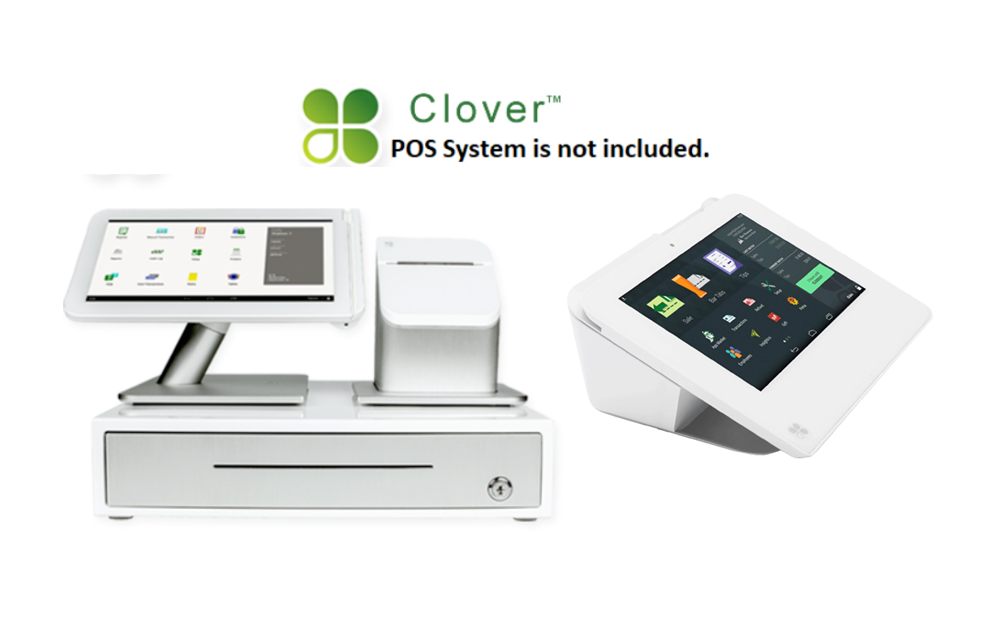
Kits for Clover
POS system not included. Please check with Clover for any additional subscriptions or activation that may be required. Hard-copy step-by-step instructions may be included as a courtesy, if available; however, we are not responsible for configuring your POS — your POS vendor or POS support will need to help you configure it.
Other registers
iTIVO-IP works with most POS systems, cash registers and ATMs, over serial or IP (Epson, plain text and Gilbarco XML). If yours is not listed, choose your adaptor on the iTIVO-IP or iTIVO-IP2 page, or call us.
Questions? Call us
Trusted nationwide by small and big retailers, department stores, convenience stores, gas stations, restaurants, vape shops, liquor stores, grocery stores and more.